Welcome to Fireplug

Online documentation
How does the navigation in this online documentation work?
At the top of the blue banner you will find our different applications that are part of the Fireplug platform.
Click on the desired application to open the related documentation. From then on you can use the menu on the left side of the page to navigate between the different pages.
The table of contents on the right allows you to navigate within the selected page.
The available applications
1. Fireplug Modular tool for Fire Brigade, Ambulance, MUG, Companies etc...
2. Medis Module developed in Fireplug for emergency medical assistance
3. Emcas Emergency call out system / Emergency planning for companies
4. Nesta (Incident notification to the government) for Essenscia members
Search in the documentation
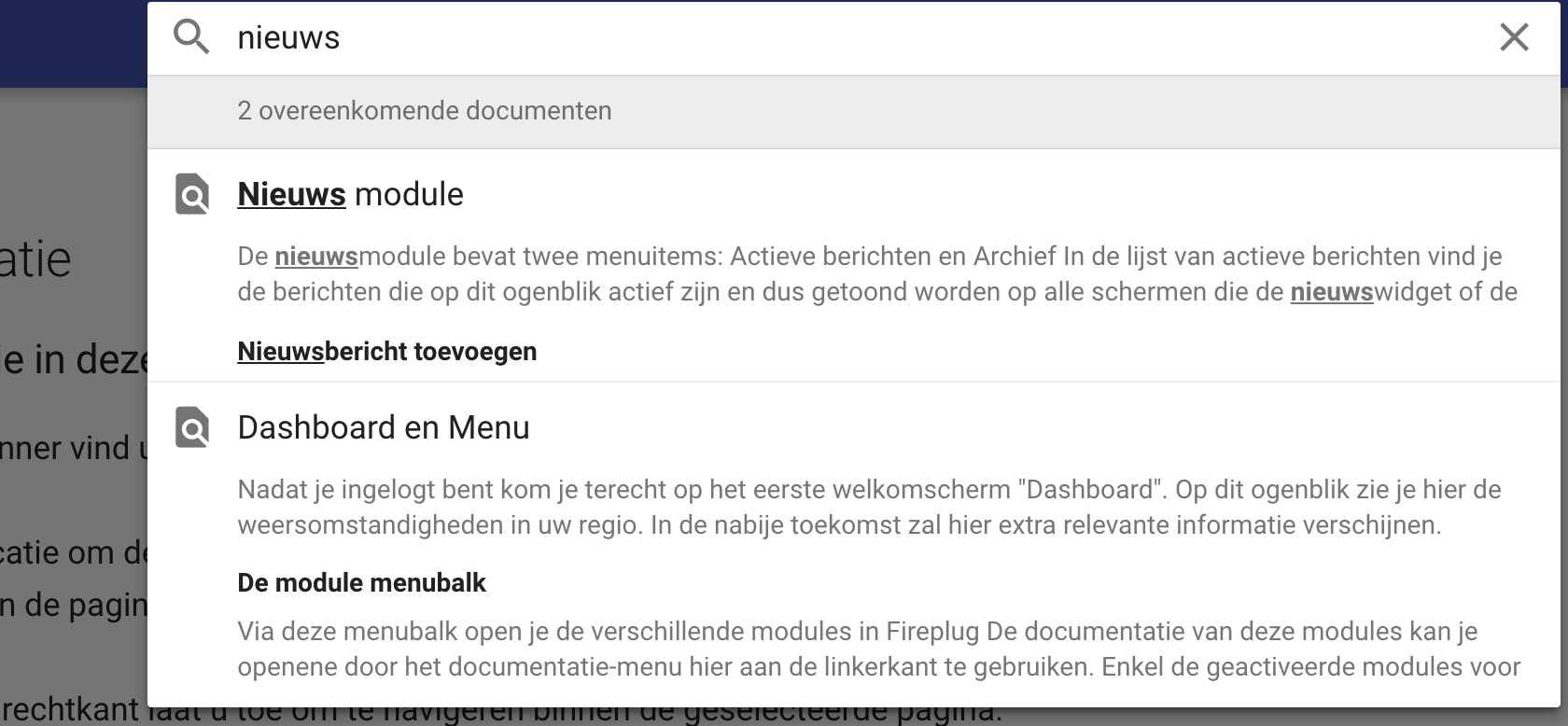
You can type a search term in our search field at the top right,  this will search the entire documentation and open the result in a pop-up window.
See below an example if you search for "news"